Free Online Teleprompter
Paste your script, choose a speed or the exact duration you need, and read it full screen. Mirror mode for teleprompter glass, keyboard shortcuts, works on computer, tablet and phone. Free, no sign-up — your text stays in your browser.
Your script stays in your browser — nothing is uploaded.
How to use the online teleprompter
- 1
Paste your script in the box (you can add pauses with [pause 2 s]).
- 2
Choose “By duration” to finish exactly on time, or “By speed” to set words per minute.
- 3
Pick the text size, font and, if you use teleprompter glass, mirror mode.
- 4
Press Start: the script scrolls full screen. Adjust the speed live with the arrow keys or the + and − buttons.
Tips to read naturally
- Place the screen as close to the camera lens as possible, or use teleprompter glass with mirror mode.
- Sit or stand 1.5–2 m (5–6 ft) from the screen so your eye movement is barely visible.
- Start around 130–150 words per minute and adjust — chasing the text makes you tense.
- Rehearse once out loud before recording to spot sentences you trip over.
Take it further with the Final Take app
The app’s prompter works offline on your phone, and its rehearsal mode follows your voice word by word, measures your real pace and tells you exactly what to cut to finish on time.
Discover Final Take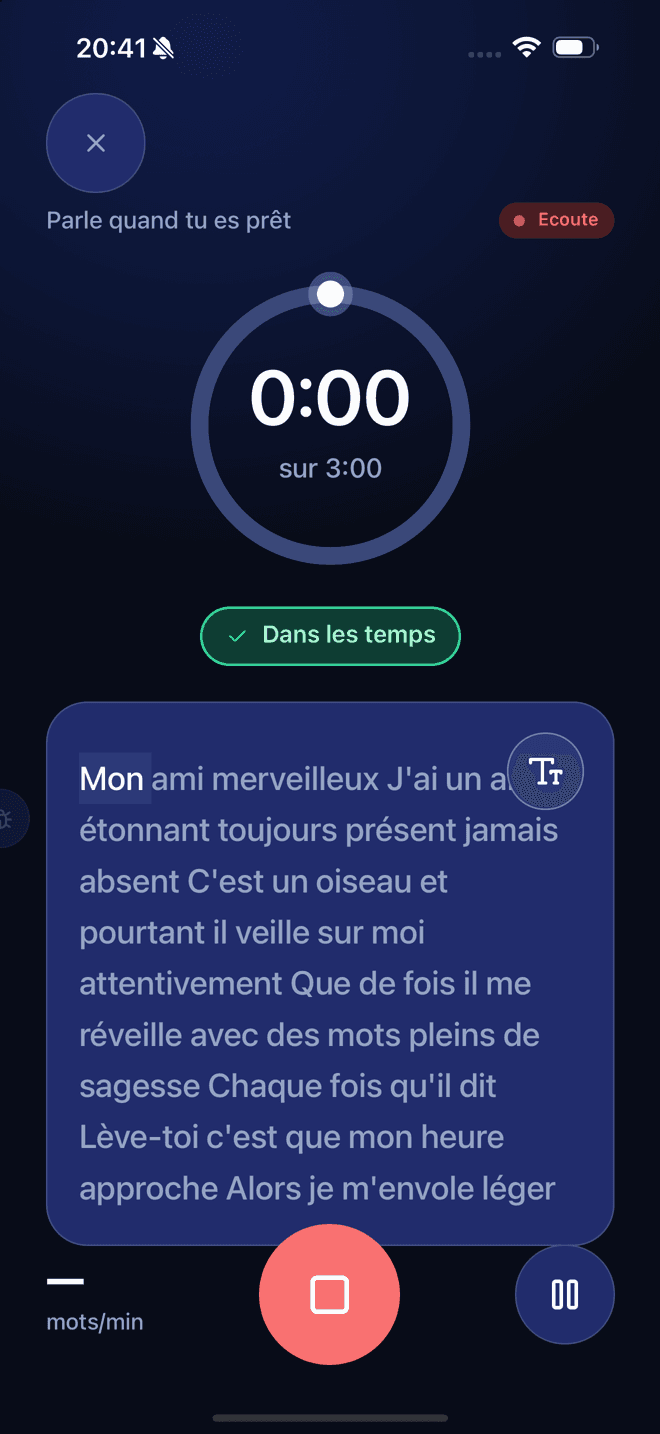
Frequently asked questions
Can I record a video with the teleprompter?
Yes. Turn on camera mode: your webcam fills the screen, the script scrolls near the lens and you can record. The video is saved on your device and never uploaded; download it when you’re done.
Is this teleprompter really free?
Yes. It runs in your browser with no sign-up, no watermark and no time limit.
What is mirror mode?
Teleprompter glass reflects the screen, which flips the text. Mirror mode flips it back so it reads correctly in the reflection.
How do I finish my video at an exact length?
Choose “By duration” and enter the target time, for example 0:58 for a one-minute video. The scroll speed is calculated so the last line arrives exactly then.
What speed should I use?
Most people read comfortably on camera at 130–160 words per minute. Start a little slower than you think and speed up with the arrow keys.
Does it work on a phone or tablet?
Yes. Open the page on your phone or tablet, start the teleprompter and place the device next to (or under) your camera.
Is my script saved?
Only in your own browser, so you find it again next time. It is never uploaded. You can delete it with the Clear button.