Word Counter & Text Analyzer
Paste or type your text to instantly count words, characters (with and without spaces), sentences and paragraphs — plus speaking time, readability, repeated words and keyword density. Free, unlimited and 100% private: your text never leaves your browser.
Words to Minutes ConverterNeed to say it out loud on time?
Final Take turns this estimate into a rehearsal: it follows your voice, measures your real pace and tells you what to cut.
Discover Final Take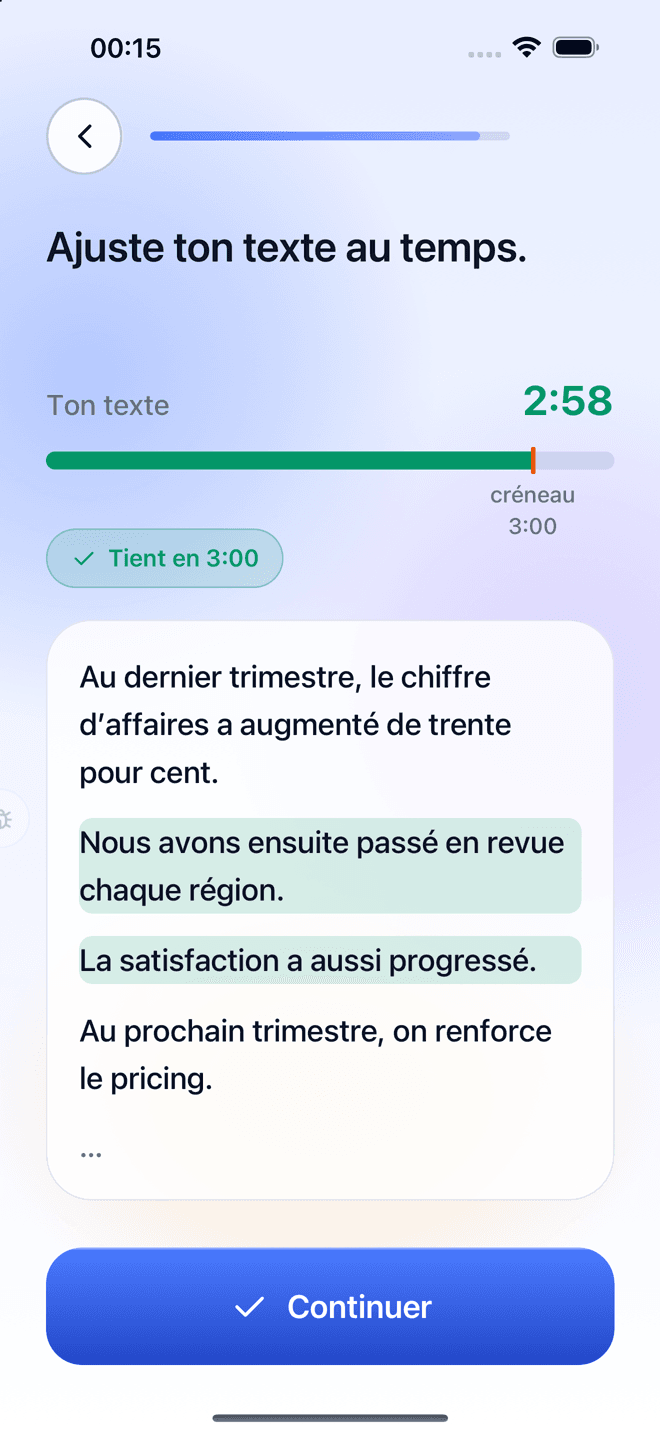
How to use the word counter
- 1
Paste your text in the box above, type it directly or open a .txt, .docx (Word) or .pdf file.
- 2
The main counters update live: words, characters with and without spaces, sentences, paragraphs, reading and speaking time.
- 3
Explore the tabs for deeper analysis: longest and shortest words and sentences, repetitions, keyword density, readability and character limits.
- 4
Click any word in the frequency list to highlight every occurrence in your text.
What this text analyzer measures
Unlike a basic word counter, this tool gives you a complete picture of your writing. It counts words following typographic rules (contractions, hyphenated words, numbers with thin spaces), counts characters as you see them (emojis and accented letters count as one), detects sentences without being fooled by abbreviations like “Dr.” or “e.g.”, and estimates the reading time (238 words per minute) and speaking time (132 words per minute by default, adjustable).
- Word, character, sentence, paragraph and line counts
- Import .docx (Word), .pdf and .txt files — read locally in your browser
- Reading time and speaking time with an adjustable pace
- Longest and shortest word and sentence
- Word frequency, keyword density and repeated phrases
- Close repetitions, doubled words and repeated sentence openings
- Readability score adapted to English, French and Spanish
- Character limits for SEO, SMS, X, Instagram and LinkedIn
Private by design
The whole analysis runs in your browser. Your text is never uploaded, logged or stored on our servers. Only a local draft is kept in your own browser so you do not lose your work if you reload the page — you can erase it with the Clear button.
Word counter FAQ
How are words counted?
A word is a sequence of letters or digits separated by spaces or punctuation. Contractions (“don’t”), hyphenated words (“well-known”) and numbers (“1,000”) count as one word. Stand-alone punctuation and list bullets are ignored.
Do spaces count as characters?
It depends on the platform. That is why the tool shows both: characters with spaces (used by X, SMS and most forms) and characters without spaces (often used for translation and academic limits).
How long does it take to read 1,000 words?
About 4 minutes of silent reading at an average 238 words per minute, and around 7.5 minutes to say out loud at 132 words per minute.
How many words is a 5-minute speech?
Around 650 to 700 words at a comfortable pace (130–140 words per minute). Slow, emphatic speakers will need fewer words; fast speakers can go up to 800.
What is a good readability score?
On the Flesch scale, 60–70 is plain language that most adults read easily. For a speech or a web page, aim for 60 or more; academic papers often score below 40.
What is keyword density?
The percentage of all words represented by a given word or phrase. In SEO, a natural density (usually under 2–3 %) reads better than repeating the same keyword over and over.
Is my text saved anywhere?
No. The analysis happens on your device. Nothing is sent to a server. A draft is kept only in your browser’s local storage, and you can delete it anytime.
Does it work in French and Spanish?
Yes. The tool detects the language of your text automatically (English, French or Spanish) to apply the right common-word list and readability formula. You can also choose it manually.
Related articles
Character Limits for X, Instagram, LinkedIn, SMS and SEO (Cheat Sheet)
How many characters fit in a post on X, an Instagram caption, a LinkedIn post, a text message, a title tag or a meta description? Every useful limit, spaces included.
How Long Should a Best Man Speech Be? (Word Count, Structure & Tips)
A best man speech should last 3 to 5 minutes — about 400 to 650 words. Here is how to structure it, what to cut and how to rehearse so you finish on a high.
How Long Should a Graduation Speech Be? Word Counts for Students & Speakers
Student graduation speeches usually run 3 to 5 minutes (400–650 words); commencement keynotes 10 to 20 minutes. Structure, examples of what to say and how to rehearse.